Find My LostPhone: Device Finder

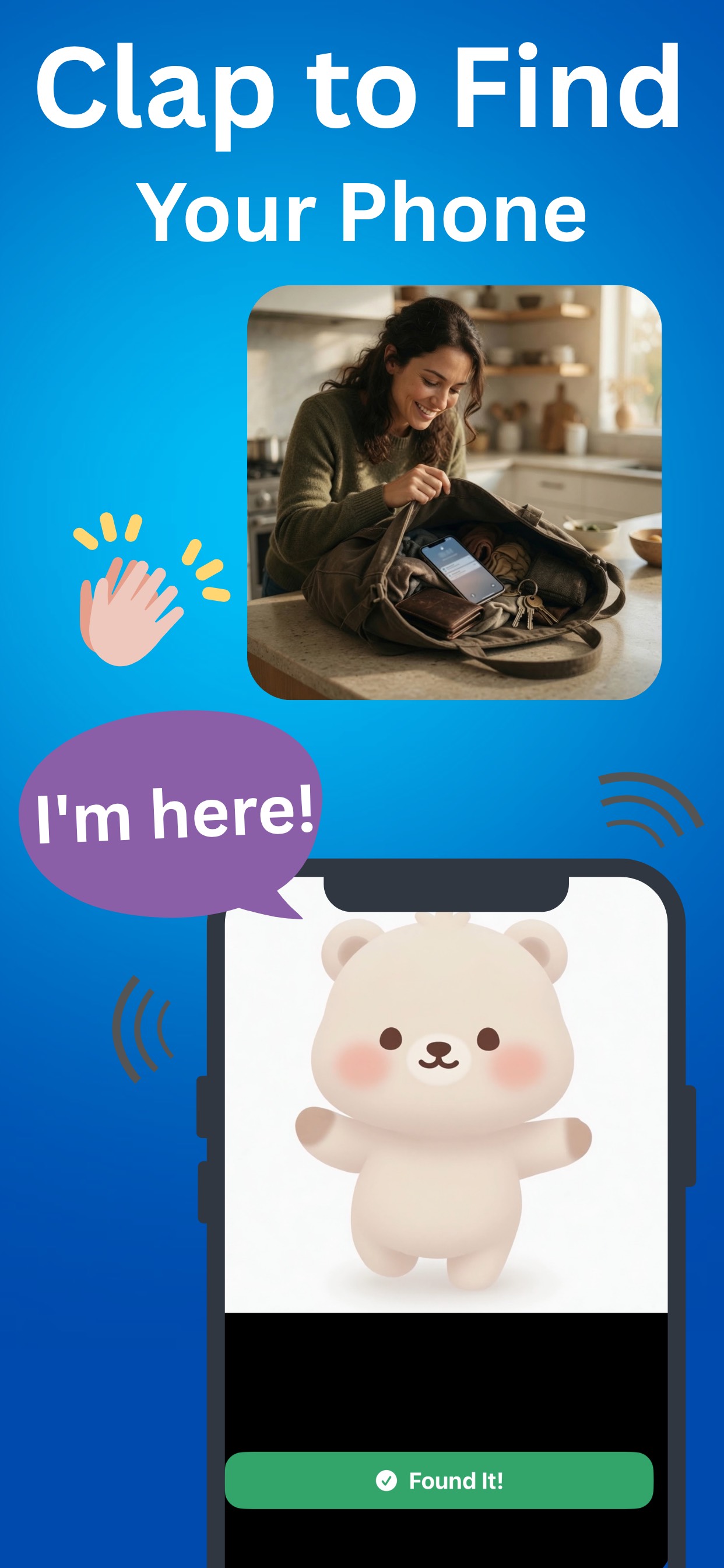
Clap twice. Your phone answers.

Lost your phone in the couch again? Clap, whistle, or say "Where's my phone?" and it rings instantly — even on silent. Track down earbuds and Bluetooth gear with live radar, and let the anti-theft alarm watch your phone when you step away.

Free core features Rings even on silent 14.6 MB install 3-day premium trial
Clap to find your phone — Device Finder alarm screen

One app for everything you keep losing

Phone under a cushion, earbuds under the bed, charger in a café — Device Finder covers all three.

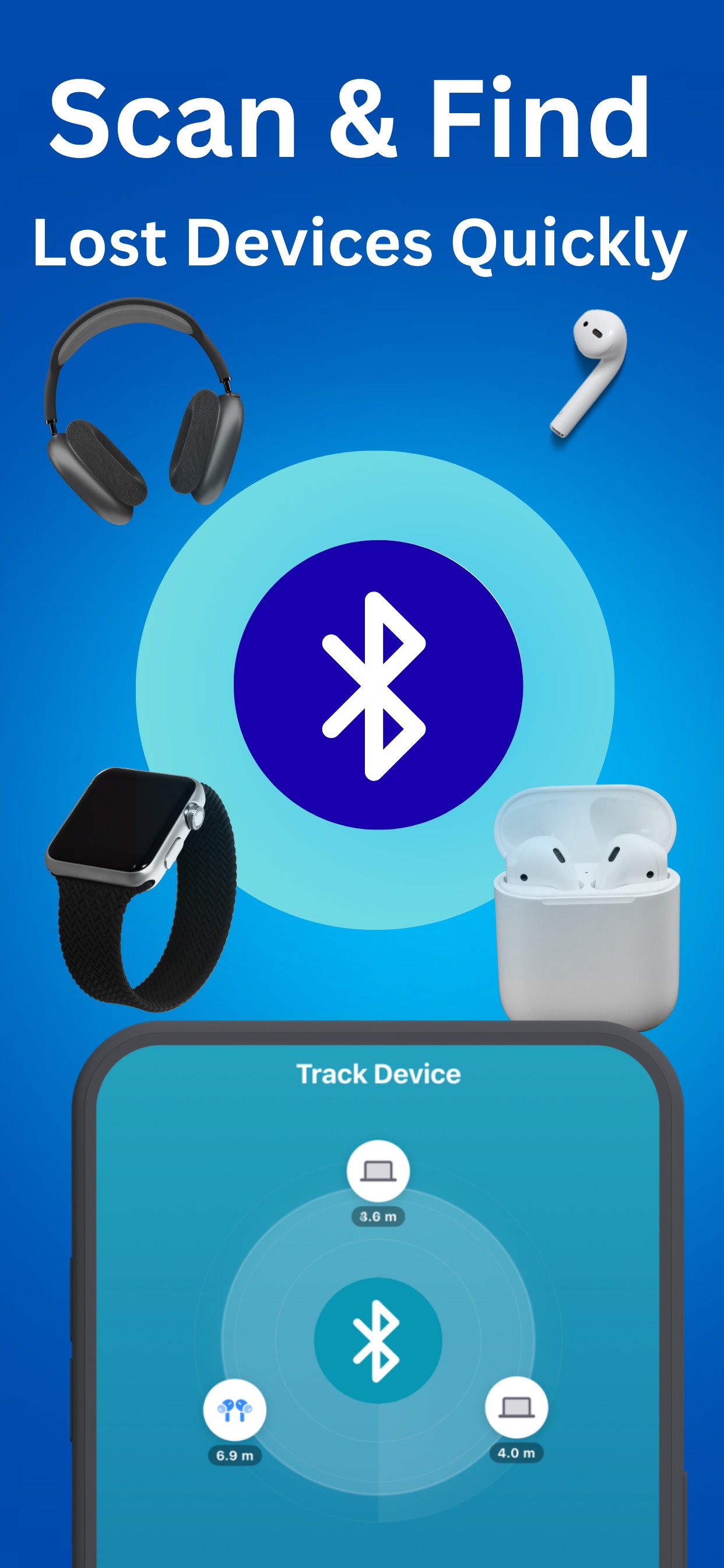
Bluetooth radar scanning for lost earbuds, smartwatch and headphones

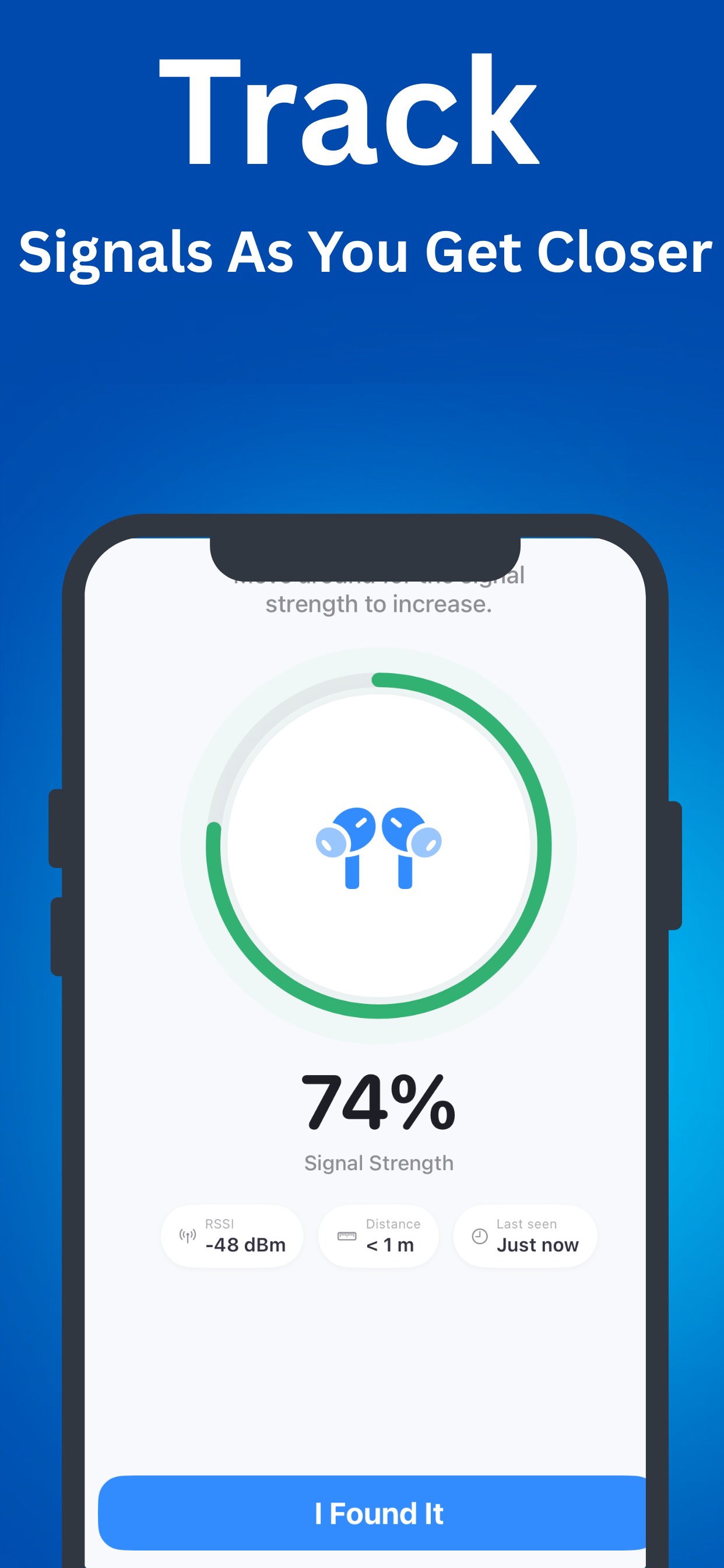
Scan for nearby Bluetooth devices in real time

Signal strength tracking screen showing 74 percent as you get closer

Signal strength rises as you get closer

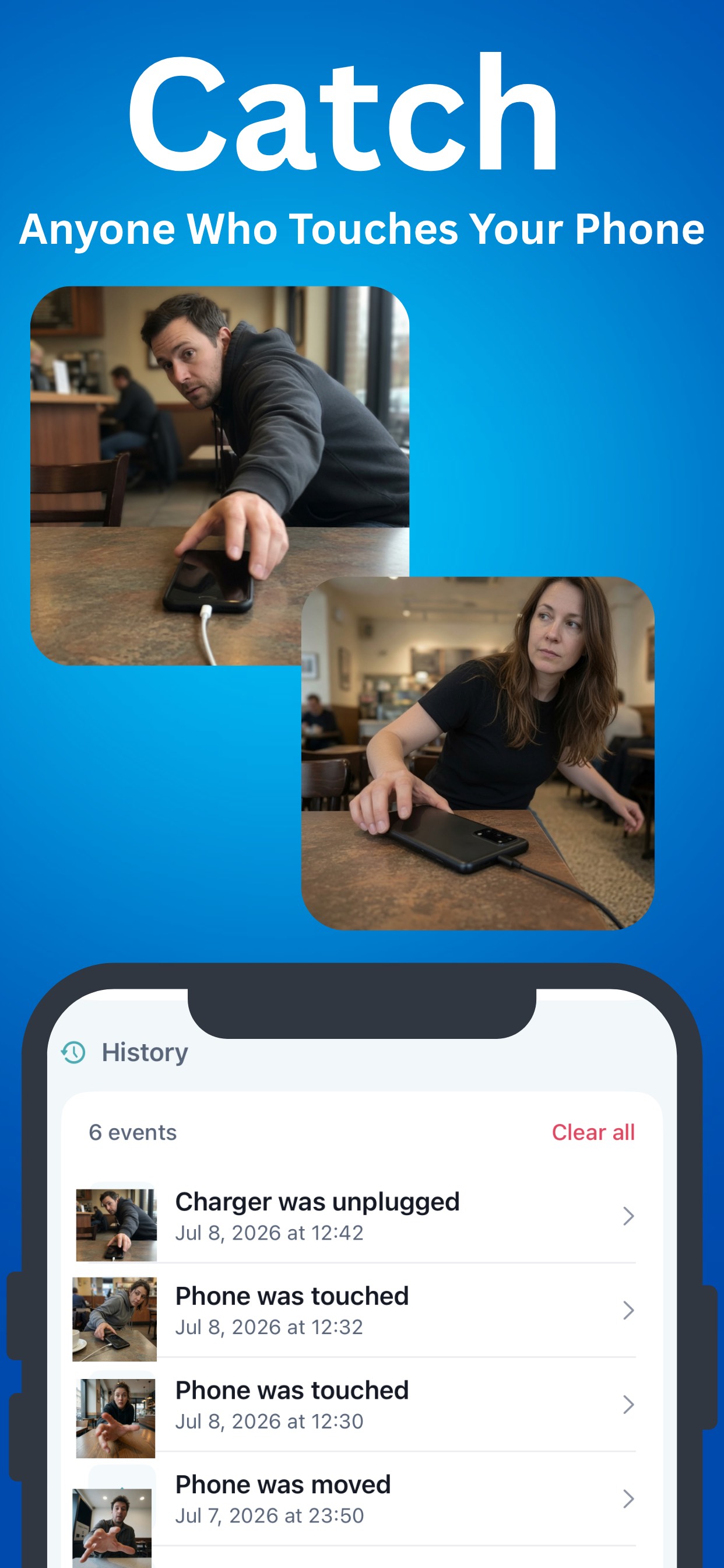
Intruder log history of touch and unplug events

Review every touch and unplug event

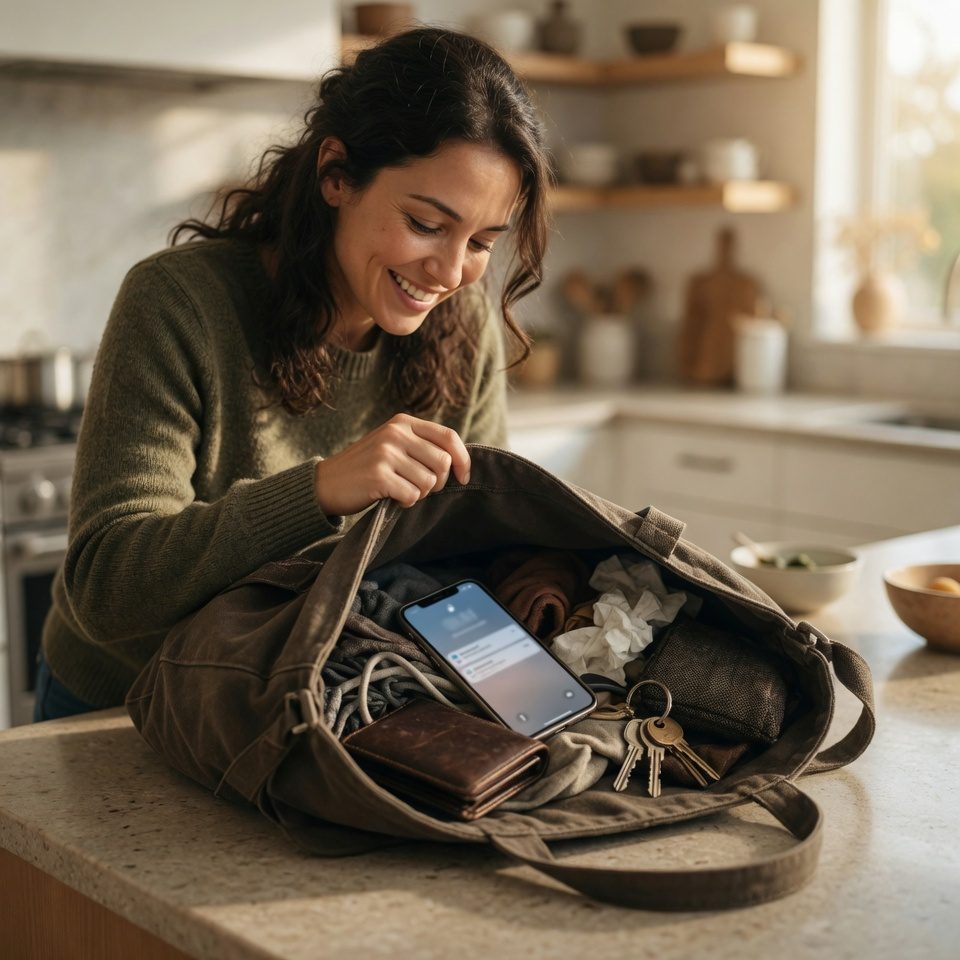
Woman finding her ringing phone inside a bag in the kitchen

Find it in seconds, not minutes

No second device, no login, no searching in a panic. Smart listening activates only while your screen is off, so it never interferes with music or calls and saves battery.

  • Clap twice, whistle, or say a phrase
  • Loud alarm on silent or face-down
  • Record your own custom trigger sound
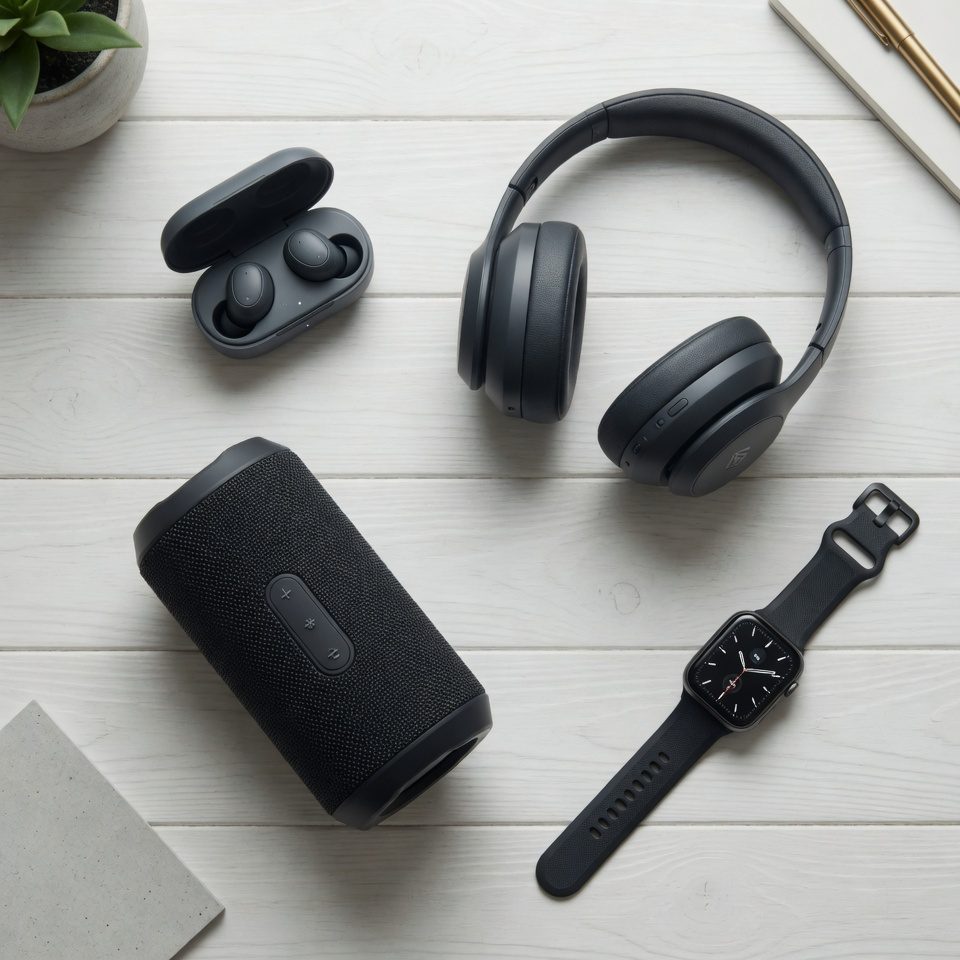
Earbuds, headphones, speaker and smartwatch — Bluetooth devices Device Finder can track

Your Bluetooth gear, on radar

Earbuds, headphones, smartwatches, fitness trackers, speakers — the live radar shows what's nearby and how far away it is. Save devices to My Devices and see when each was last detected.

  • Distance updates as you walk
  • Last-seen time for every saved device
  • Stop paying to replace earbuds that were under the bed

How it works

Three steps between "where is it?" and "found it."

1

Turn on listening

Open Device Finder and activate the Clap Finder. Detection arms itself whenever your screen is off.

2

Clap, whistle, or speak

Clap twice or say "Where's my phone?" — the phone hears you and starts a loud alarm, even on silent.

3

Follow the sound

Walk toward the alarm and pull your phone out of the couch, the bag, or wherever it was hiding.

Everything in the box

Finding tools are free to use. Premium unlocks the full security suite with a 3-day trial.

Clap to find

Two claps trigger a loud alarm — no second device needed.

Whistle & voice trigger

Whistle or say a phrase like "Where's my phone?" instead.

Custom trigger sound

Record your own sound and use it as the trigger.

Works on silent

The alarm plays even in silent mode or face-down.

Bluetooth radar

Live scan of nearby earbuds, watches, trackers and speakers.

My Devices

Save your gear and see when each item was last detected.

Charger alarm

Instant alert the moment your phone is unplugged.

Touch detection + log

Alarm on touch, plus a history of every touch and unplug event.

Guides

Practical answers to the questions people actually search for.

Frequently asked questions

How do I make my phone ring by clapping?

Open Device Finder, activate the Clap Finder, and lock your phone. When you clap twice, the phone detects the sound and plays a loud alarm so you can follow it. Learn more →

Does clap to find work when my phone is on silent?

Yes. The alarm plays even when the phone is in silent mode or lying face-down, because the app raises the alert itself rather than relying on the ringer. Learn more →

Can it find my earbuds or headphones?

Yes, if they are powered on and within Bluetooth range. The live radar shows nearby Bluetooth devices with signal strength and distance that update as you walk. Learn more →

How does the Bluetooth radar work?

The app scans for Bluetooth signals around you and estimates distance from signal strength. As you move, the reading updates, so you walk toward the strongest signal until you find the device. Learn more →

What is the charger alarm?

When the charger alarm is armed, unplugging the phone triggers a loud alert after an adjustable countdown, so you can charge your phone in public without watching it. Learn more →

What happens if someone touches my phone?

With touch detection armed, moving or grabbing the phone triggers the alarm. An adjustable grace period lets you pick it up yourself without setting it off. Learn more →

Can I see who touched my phone while I was away?

Yes. The intruder log keeps a history of every touch and unplug event with the time it happened, so you can review what your phone recorded while you were away. Learn more →

Can I use a whistle or my voice instead of clapping?

Yes. You can trigger the alarm with a whistle, a phrase like "Where's my phone?", or record your own custom trigger sound. Learn more →

Is Device Finder free?

The core finding features are free to use. Premium unlocks the full security suite and comes with a 3-day free trial.

Will it find devices that are switched off?

No. Bluetooth devices must be powered on and within range to be detected, and results can vary by device and environment.
Stop losing things. Start clapping.

Free to start — download Device Finder and set up clap detection in under a minute.

Download on the App Store