 Quick QR
QR codes that are ready to print, not just save
Most apps hand you a bare square. Quick QR drops your code into designed templates — Wi-Fi signs, business cards, posters, table cards — customized with your colors, fonts and logo. Scanner included.
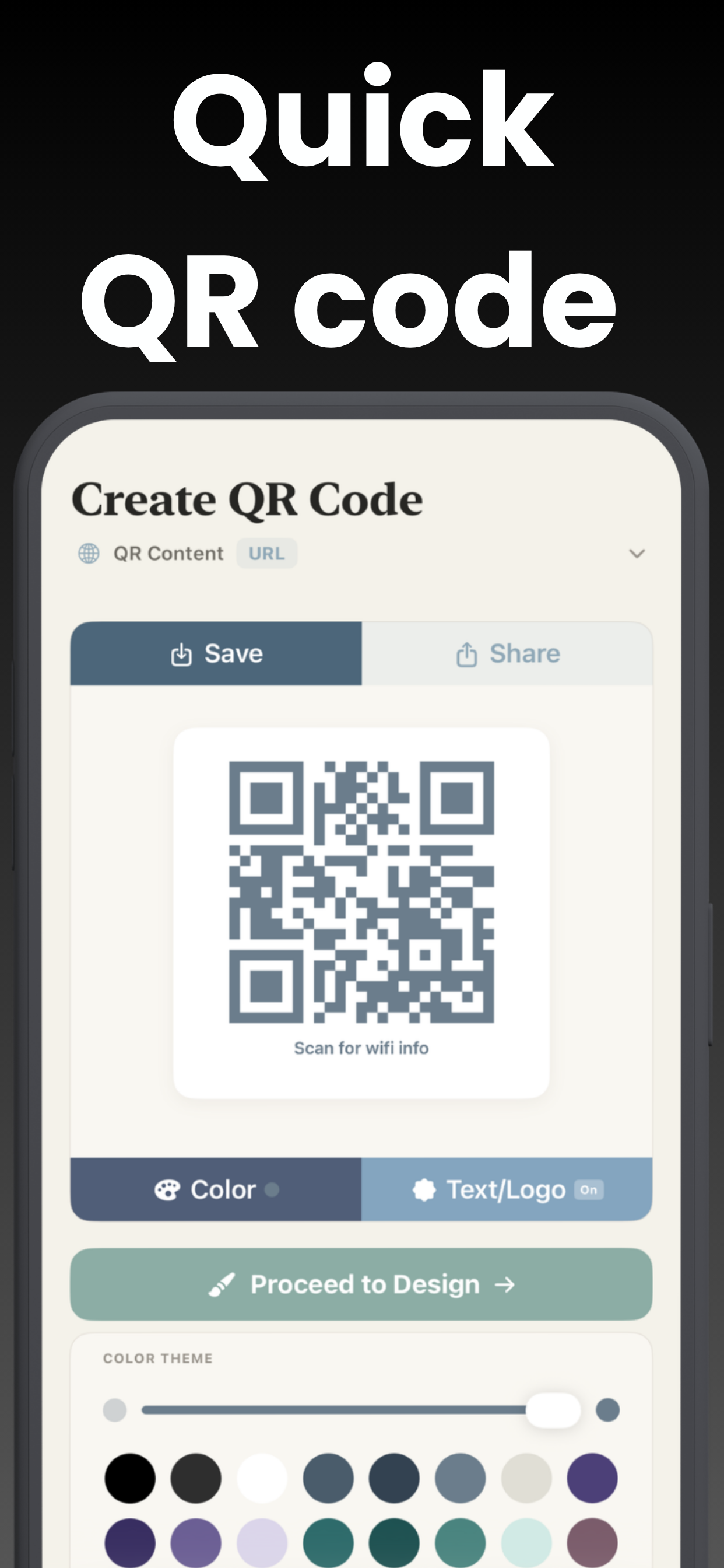
Generate. Design. Done.
From blank screen to print-ready design in under a minute.
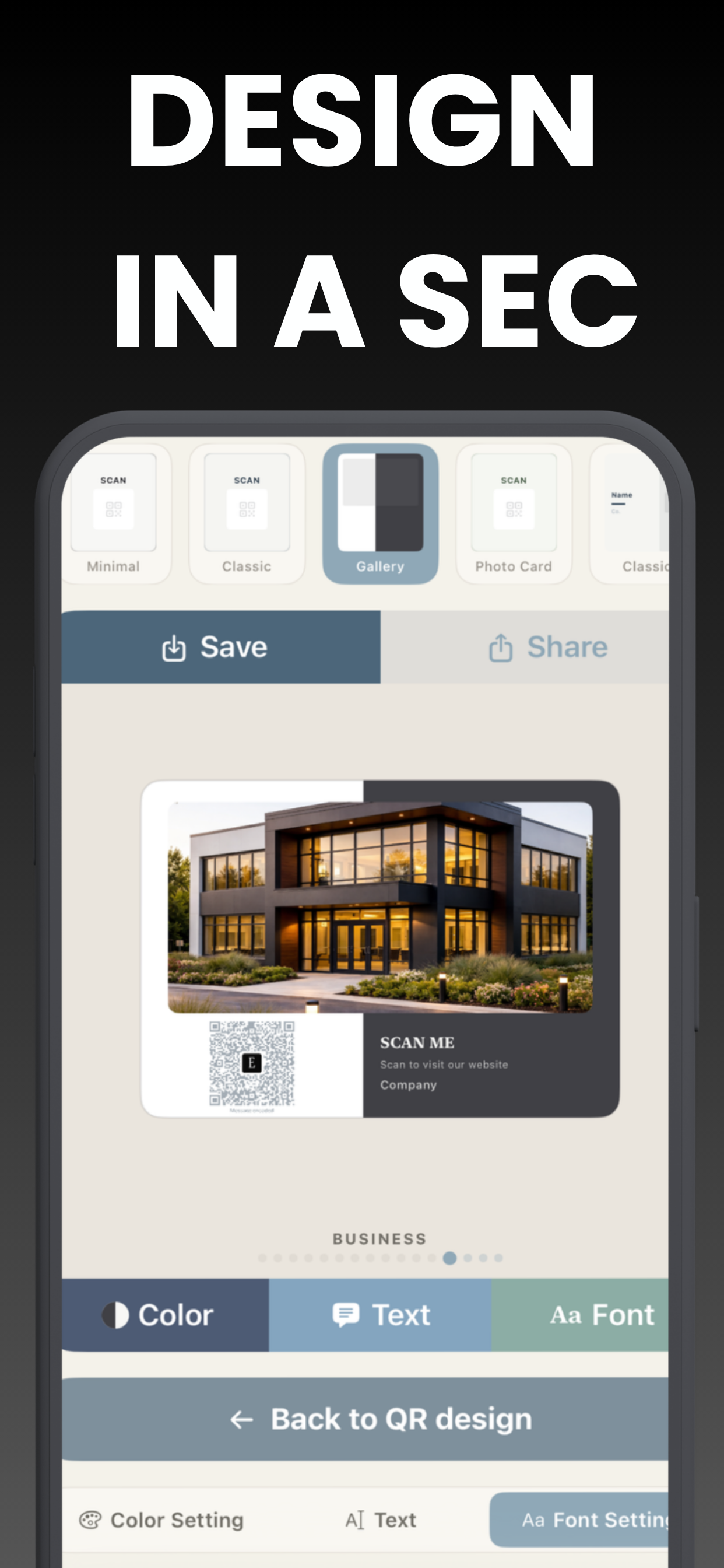
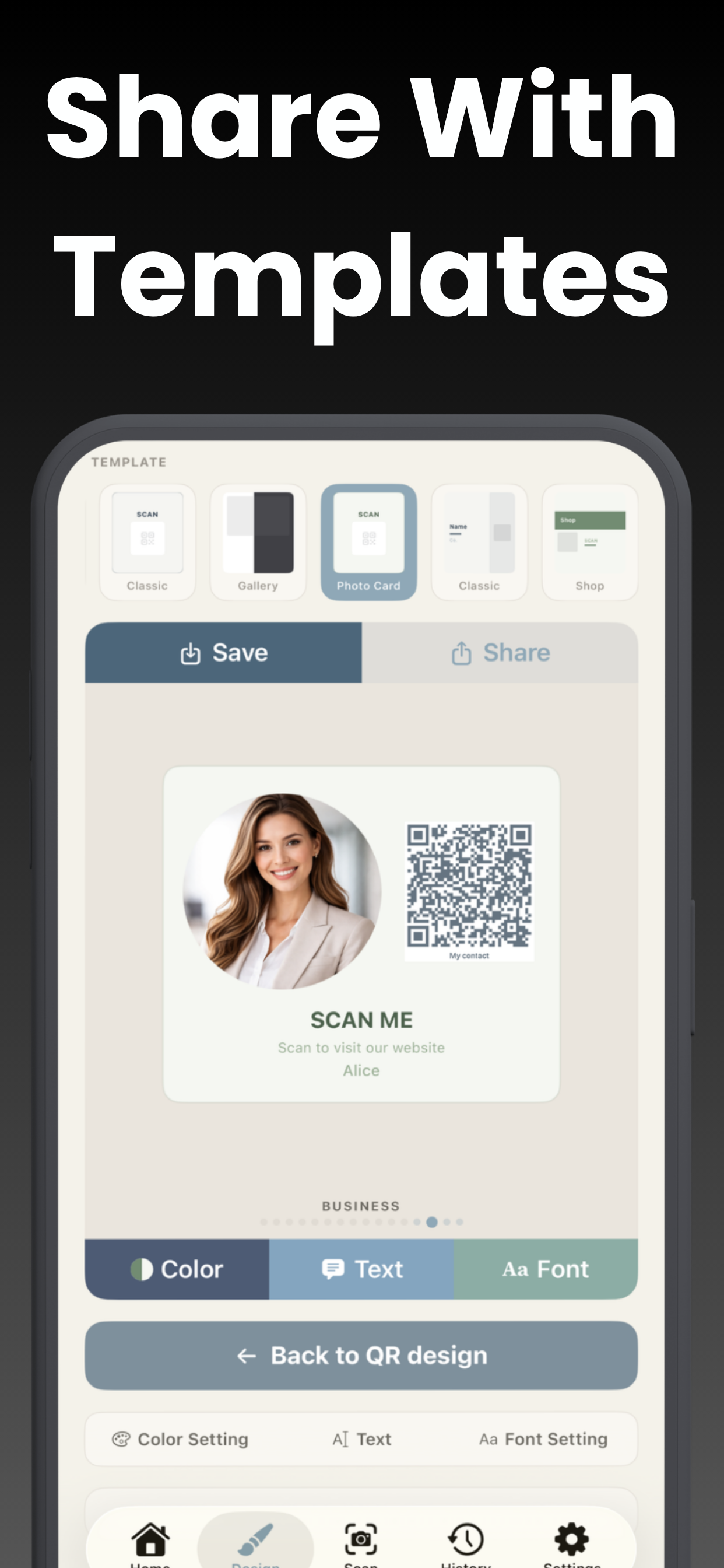
Made for the real world, on paper
QR codes live on tables, walls, doors and business cards — so they should look like they belong there.
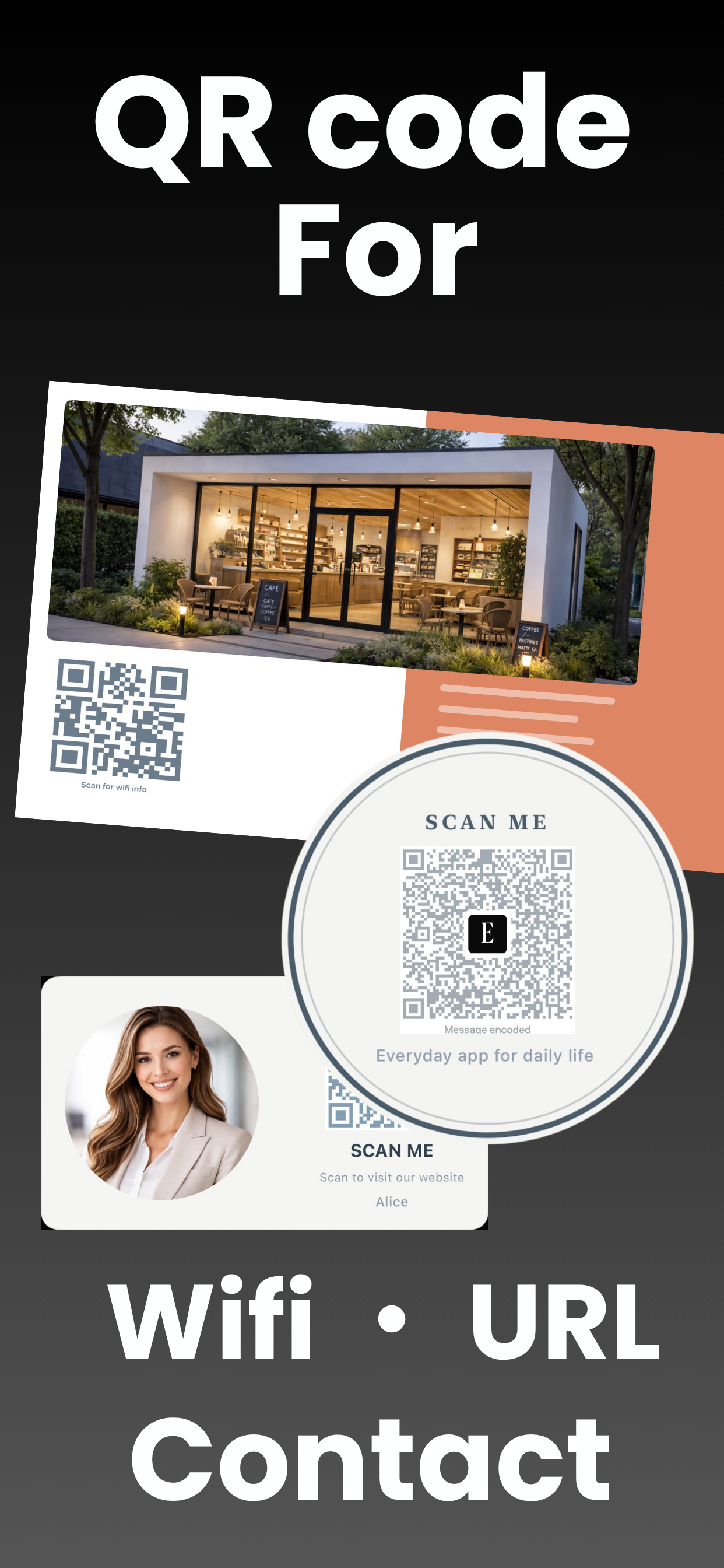
Guests scan, guests connect
A framed Wi-Fi QR sign by the door beats spelling out your password letter by letter — at home, in your café, or in your rental. One scan and they're online.
How to make a Wi-Fi QR code →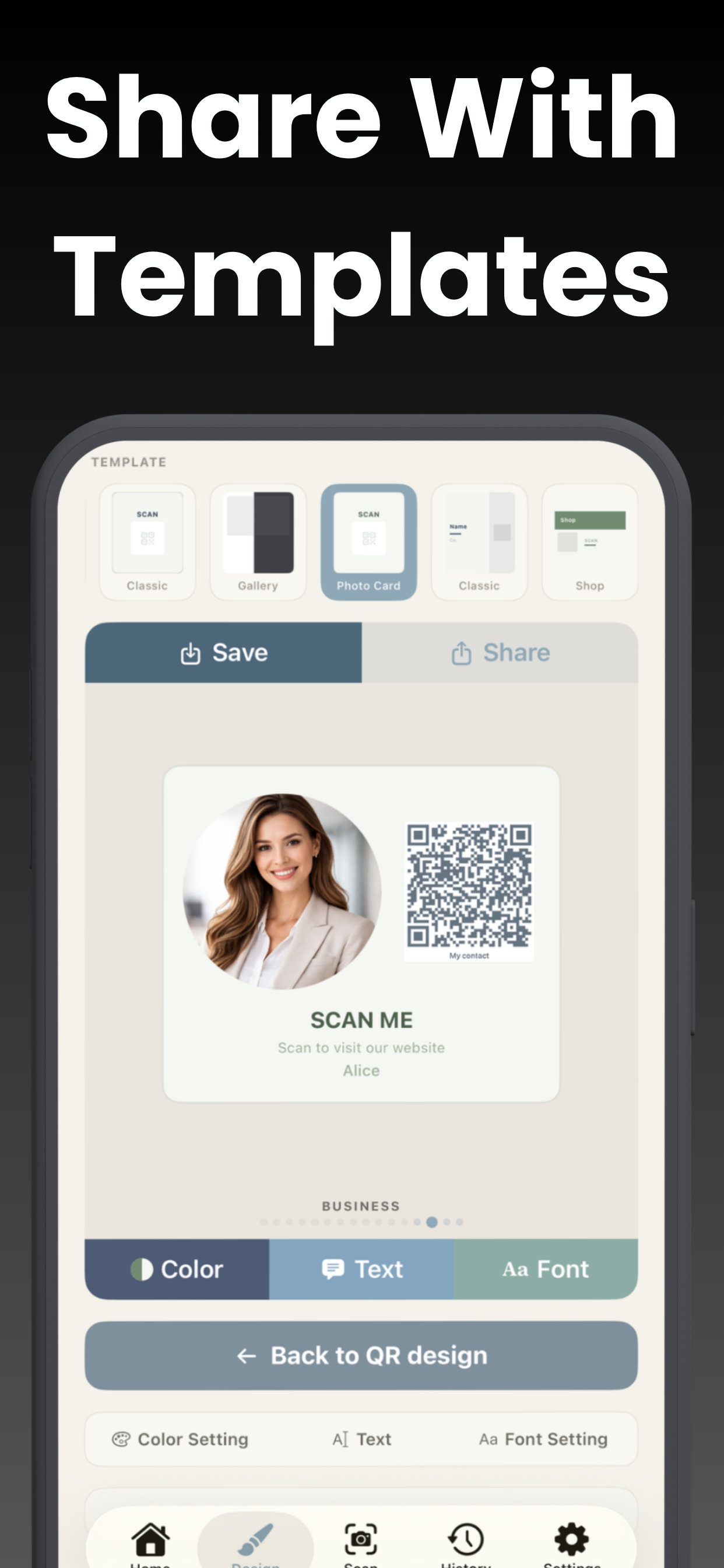
A business card that saves itself
Put a vCard QR on your card and one scan adds your name, number, email and address straight into their contacts — no typos, no lost cards. Designed layouts make it look intentional, not improvised.
How to make a QR code business card →Three steps to a code worth printing
No design app, no desktop, no account.
Choose the content
Website URL, Wi-Fi access, contact card, or plain text — the QR generates instantly as you type.
Pick a template
Business card, sticker banner, poster or message card — then tune colors, fonts, and add your logo.
Save, share, print
Full preview, then export. High-resolution output makes it crisp on screen and on paper.
A QR studio in your pocket
Generator, designer and scanner — one 11 MB app.
Every QR type
URLs, Wi-Fi access cards, vCard contacts, plain text and photo-based codes.
Print-ready templates
Business cards, sticker banners, posters, message cards — with Ribbon, Badge, Arch and Shop styles.
Curated color themes
Designer palettes that keep your code scannable and your sign beautiful.
Font choices
Serif, rounded, heavy and mono — match the tone of your brand or your kitchen wall.
Logo overlay
Drop your logo or an SF Symbol into the center of the code — still scans perfectly.
Built-in scanner
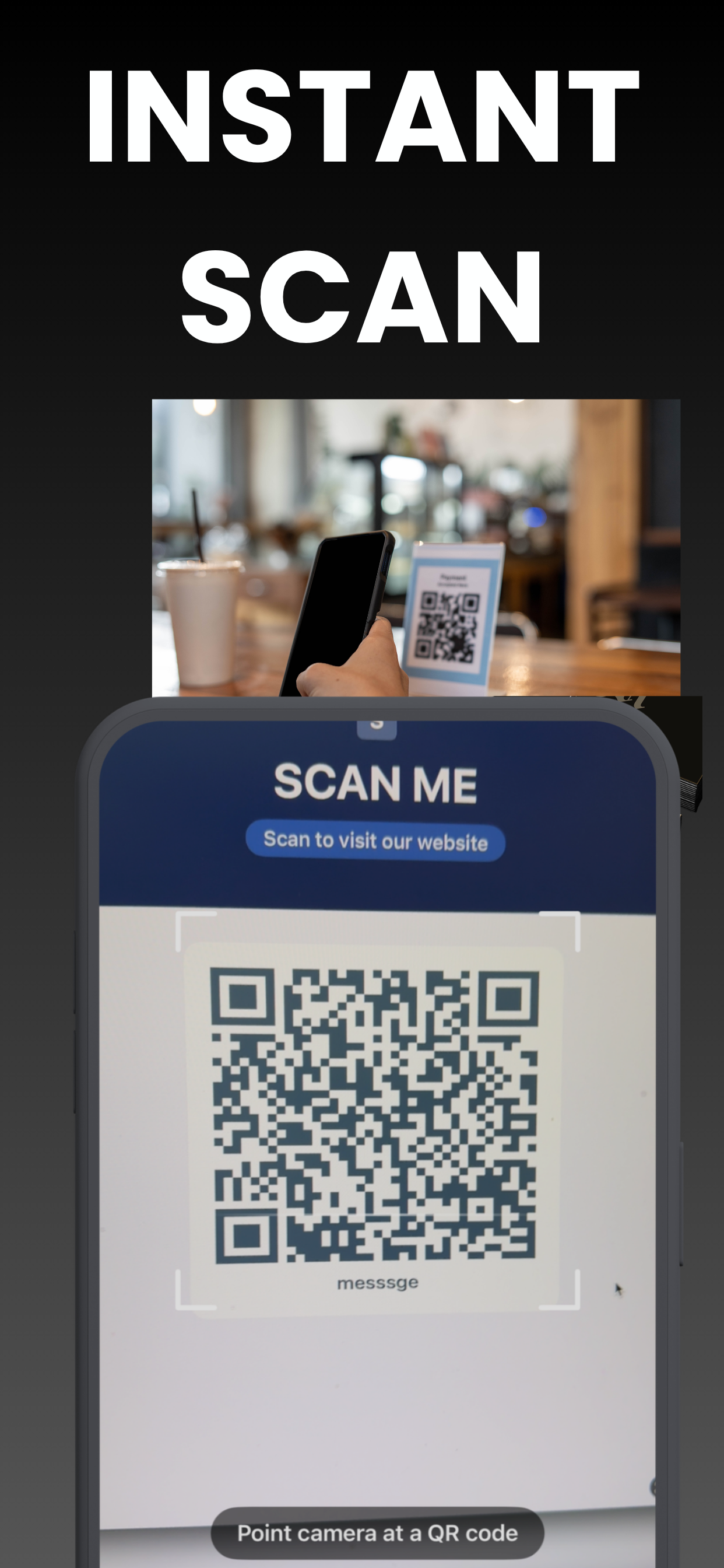
Reads QR codes and barcodes — URLs, Wi-Fi, contacts, text — then open, copy or save in a tap.
Works offline
Generate and scan with no internet at all. Nothing depends on a server.
High-res export
Premium exports print-quality files sharp enough for posters and professional printing.
Step-by-step answers
The QR questions people actually search — solved.
Frequently asked questions
Quick answers — each with a full guide if you want the details.
How do I make a QR code on my iPhone?
Can I make a QR code for my Wi-Fi?
Can I put my logo on a QR code?
What makes the templates different from other QR apps?
Does it also scan QR codes?
Is the app free?
Make a QR code worth scanning
Generate, design and print — free to start, beautiful by default.
Download Free on the App Store