 Clear Storage
Swipe. Keep. Delete.
Free up GBs in minutes
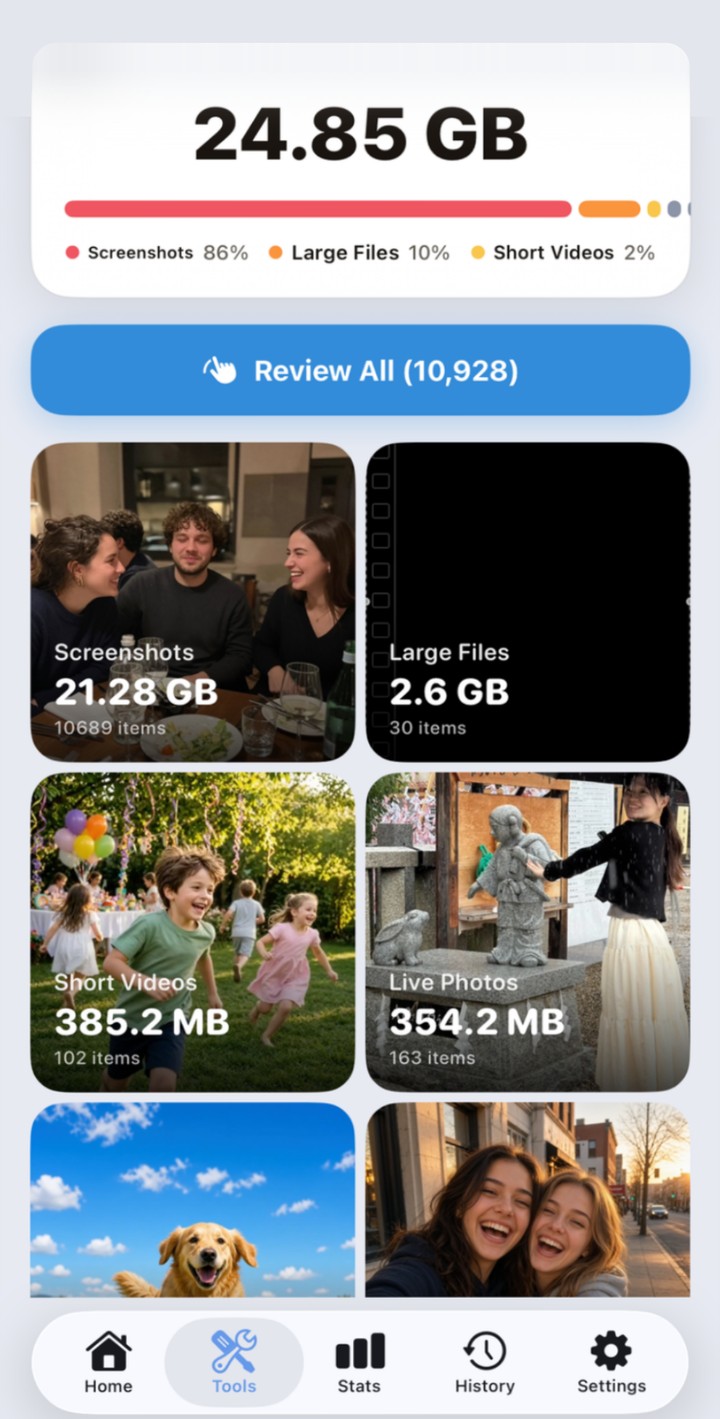
Clear Storage finds what's quietly filling your iPhone — duplicates, blurry shots, old screenshots, chat media, oversized videos — and cleans it out with a swipe. Right to keep, left to delete. Videos you want to keep get compressed instead of deleted.
One gesture, two decisions
Reviewing 1,000 photos stops being a chore when each one takes half a second.
Delete without the dread
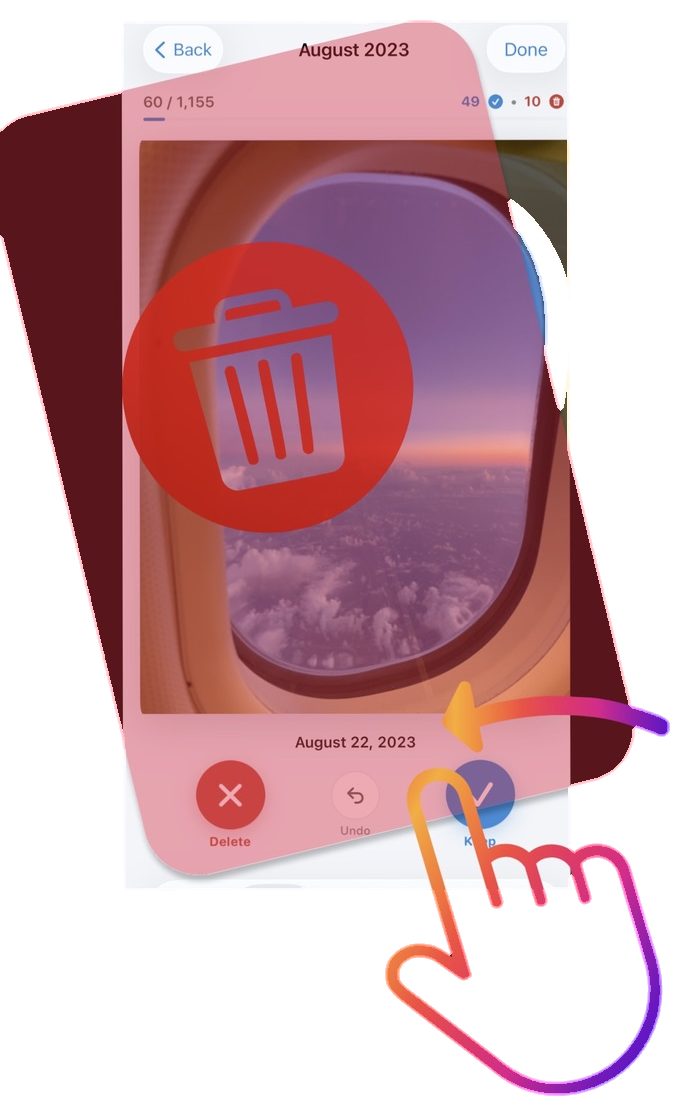
A left swipe queues the photo for deletion — with undo one tap away and everything recoverable from Recently Deleted for 30 days. Nothing is ever gone by accident.
iPhone storage full? Here's the fix →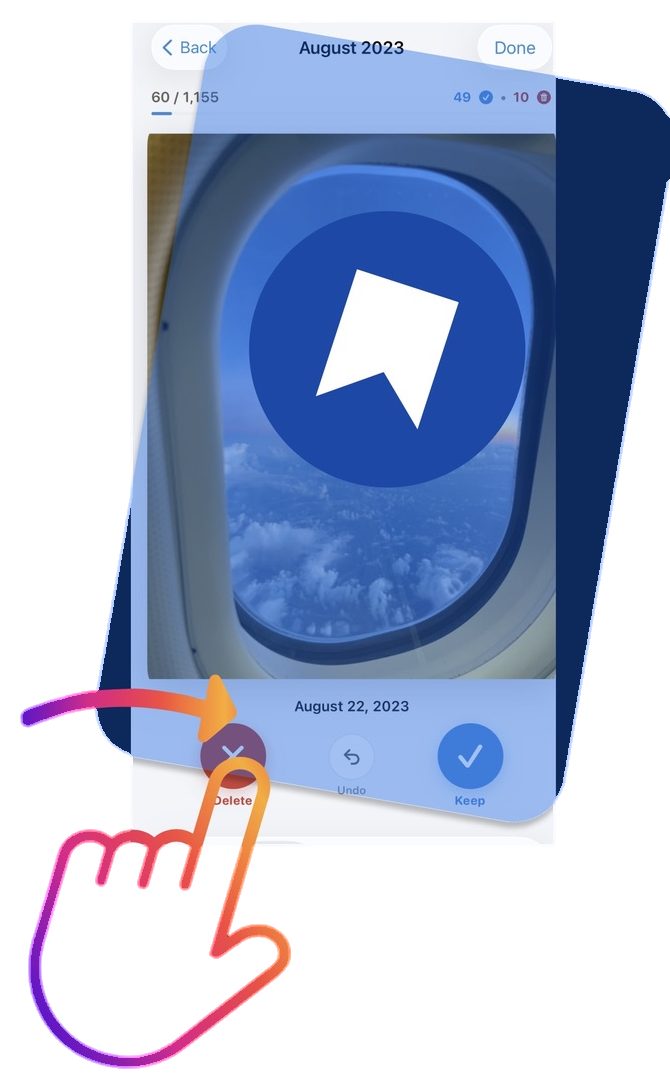
Keep the ones that matter
A right swipe bookmarks the photo and moves on. Work through a month at a time, or open On This Day to revisit the same date across every year — and keep only the shots you actually love.
How to clean your camera roll fast →Watch it happen
Near-identical shots and oversized videos, handled in seconds.



More than a swipe
Three tools for the storage problems a swipe can't solve on its own.
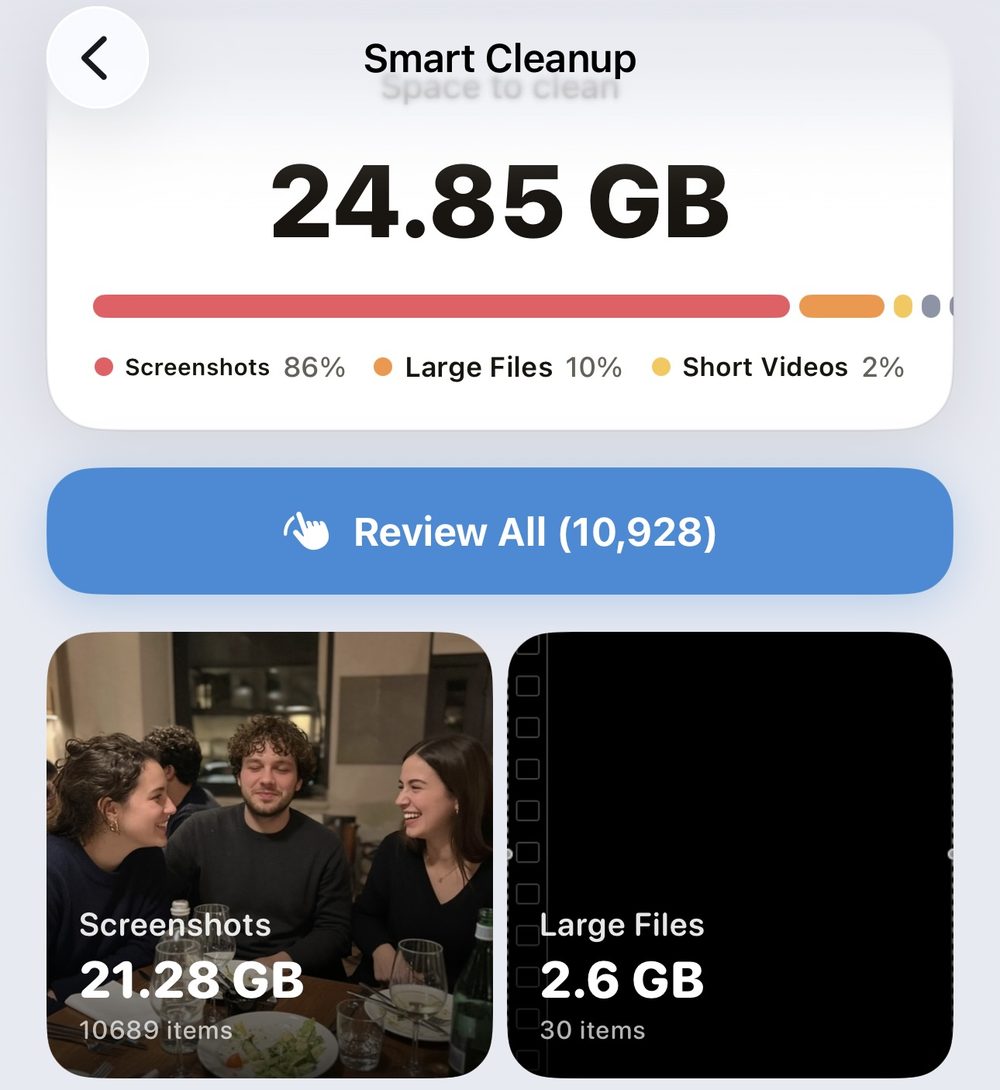
Smart Cleanup: one tap, every category
One scan checks eight kinds of clutter at once — screenshots, large files, duplicate and similar photos, Live Photos, chat media, screen recordings and short videos — and shows you exactly how much space each one is holding. Review everything in one pass, or open a single category.
Free up storage without deleting apps →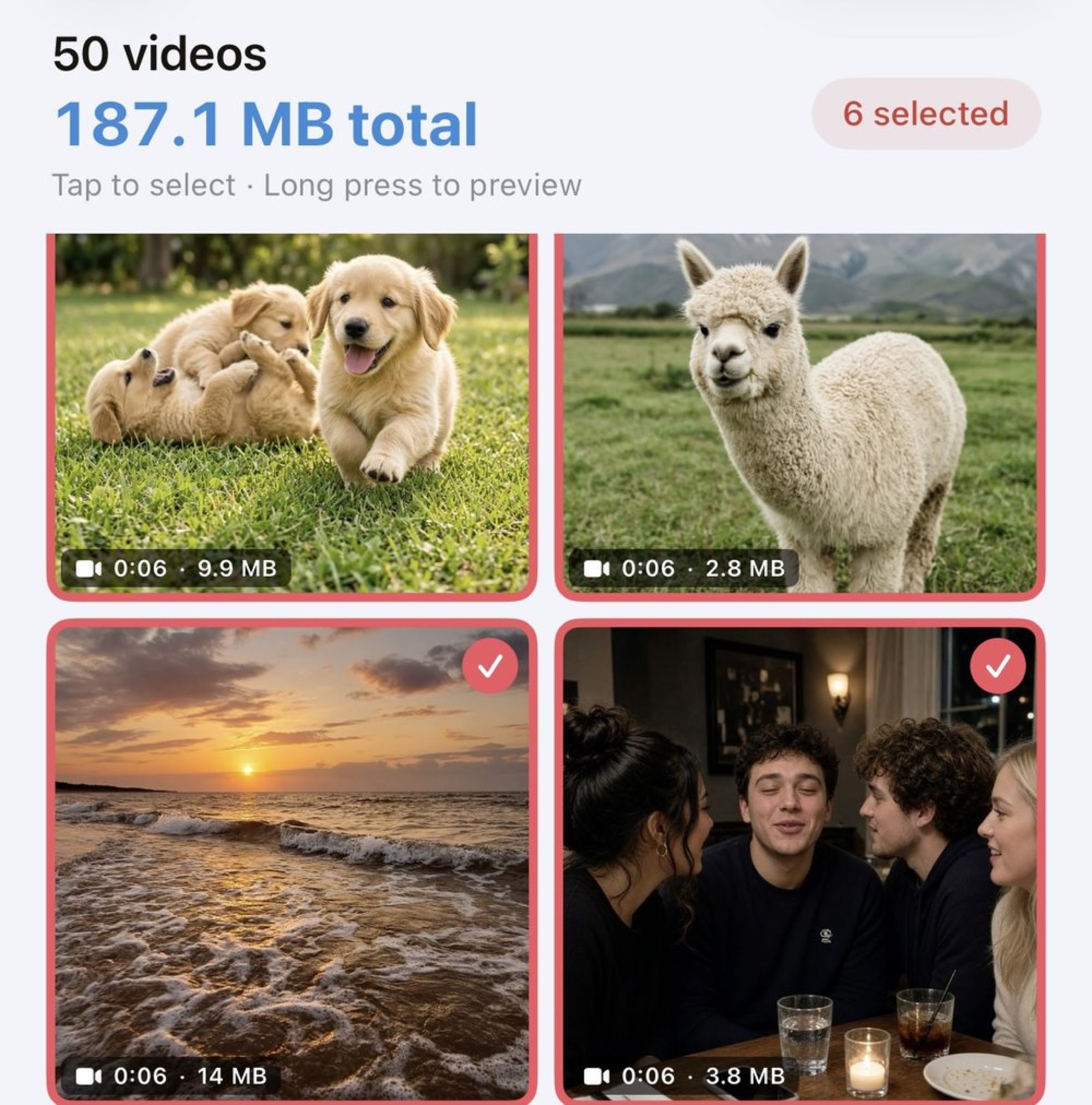
Compress the videos you're keeping
Videos are usually the biggest files on any iPhone, and the ones you don't want to lose. Select one or a whole batch, pick Low or Medium quality, and see the new size for every clip before anything changes. Same memory, a fraction of the space.
How to find large files & videos → Extract Text✓ Text extracted
Save the text, delete the photo
Receipts, whiteboards, event flyers, notes, memes — Text & Documents finds every photo in your library that contains readable text. Extract it on-device, save or share the file, then delete the photo knowing you kept what mattered. Nothing leaves your phone.
How to delete all screenshots →From "Storage Almost Full" to free space in three steps
No account, no setup — scan and swipe.
Scan your library
Clear Storage checks your photos for duplicates, similar shots, screenshots, blurry photos, chat media, Live Photos and oversized videos. Scans are unlimited and free.
Review & swipe
Clean by category in one tap, swipe through month by month, or set a 60-second, 3-minute or 5-minute timer and race it. Undo anytime.
Reclaim your space
Watch the freed-up gigabytes add up in Stats, keep a cleaning streak, and get an alert before storage fills again.
A tool for every kind of clutter
Every category of storage waste, handled — plus tools for the files you want to keep.
Smart Cleanup Premium
One scan across eight categories, with review before anything is deleted.
Swipe Cleanup
Month by month, or On This Day. Right to keep, left to delete, undo anytime.
Timed Declutter
Set 60 seconds, 3 minutes or 5 minutes and clean as much as you can. Beat your record.
Duplicate photos
Find exact copies, keep the original, delete the rest in one tap.
Similar photos
Groups near-identical shots so you keep the best one and drop the outtakes.
Screenshot cleanup
Old screen captures pile up silently. Review and clear them in bulk.
Blurry photo detector
Automatically finds low-quality, out-of-focus shots across your whole library.
Large files & videos
Spot the biggest storage hogs instantly — usually a handful of videos.
Video compression Batch is Premium
Pick Low or Medium quality and see the new size before you commit. One clip free, or a whole batch.
Text & Documents
Finds photos with readable text, extracts it on-device, then lets you delete the photo.
Chat Media Premium
Photos saved from WhatsApp, Telegram, LINE, Messenger, Signal and Viber, grouped by app.
Live Photo converter
Turn Live Photos into stills and drop the hidden video half of each one.
Step-by-step answers
The storage questions people actually ask — solved.
Frequently asked questions
Quick answers — each with a full guide if you want the details.
How do I delete duplicate photos on iPhone?
How can I free up storage without deleting apps?
What is swipe cleanup?
Can it compress videos without deleting them?
Can I save the text from a photo before deleting it?
Does deleting really free up space?
Is the app free?
Take back your storage today
Scan free, swipe through your first month of photos, and watch the gigabytes come back.
Download Free on the App Store