 Document Reader
Too busy to read? Listen instead
Document Reader turns any PDF, EPUB or Word file into a natural-sounding audiobook — and even reads printed pages you scan with your camera. Commute, cook, work out: your reading comes with you.
Your documents, in your ears
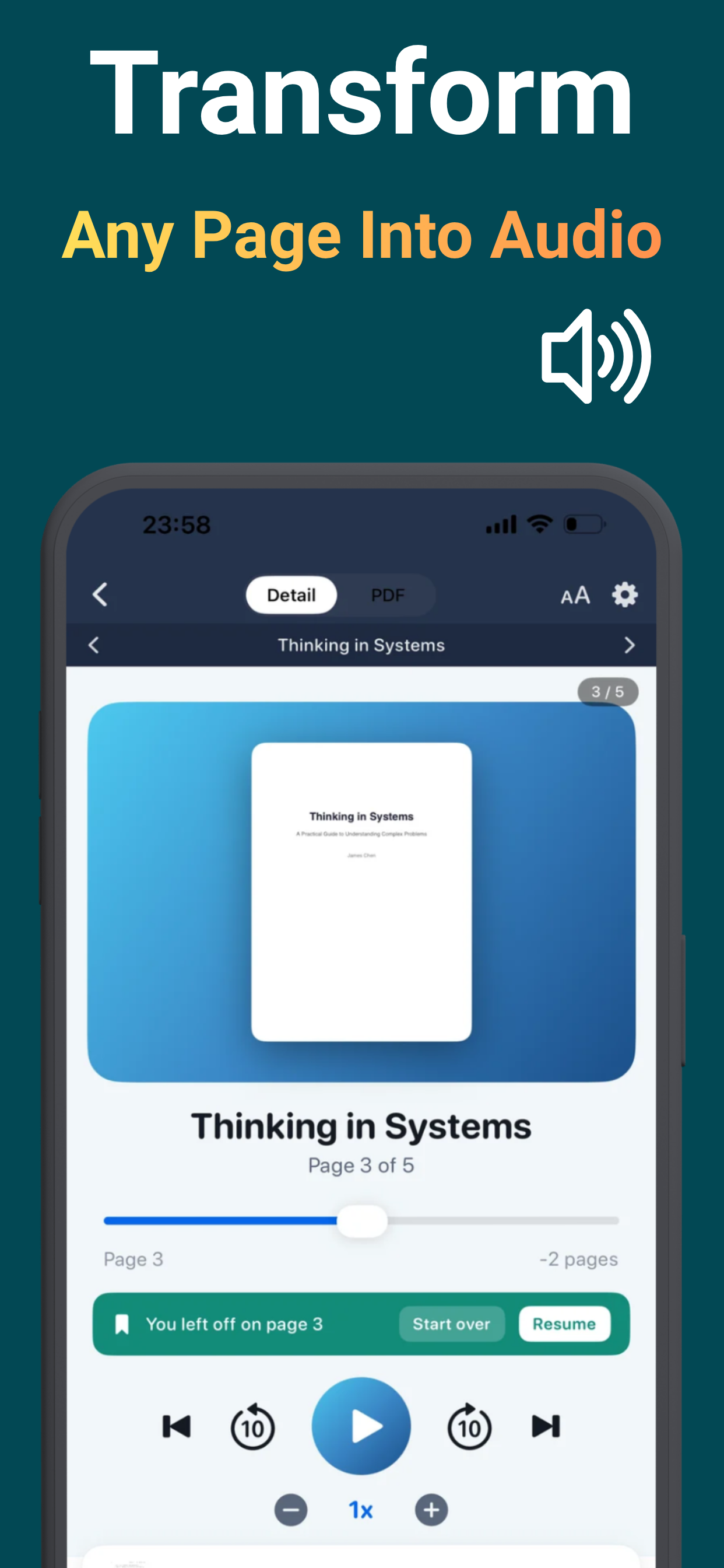
Import anything, listen anywhere, pick up exactly where you left off.
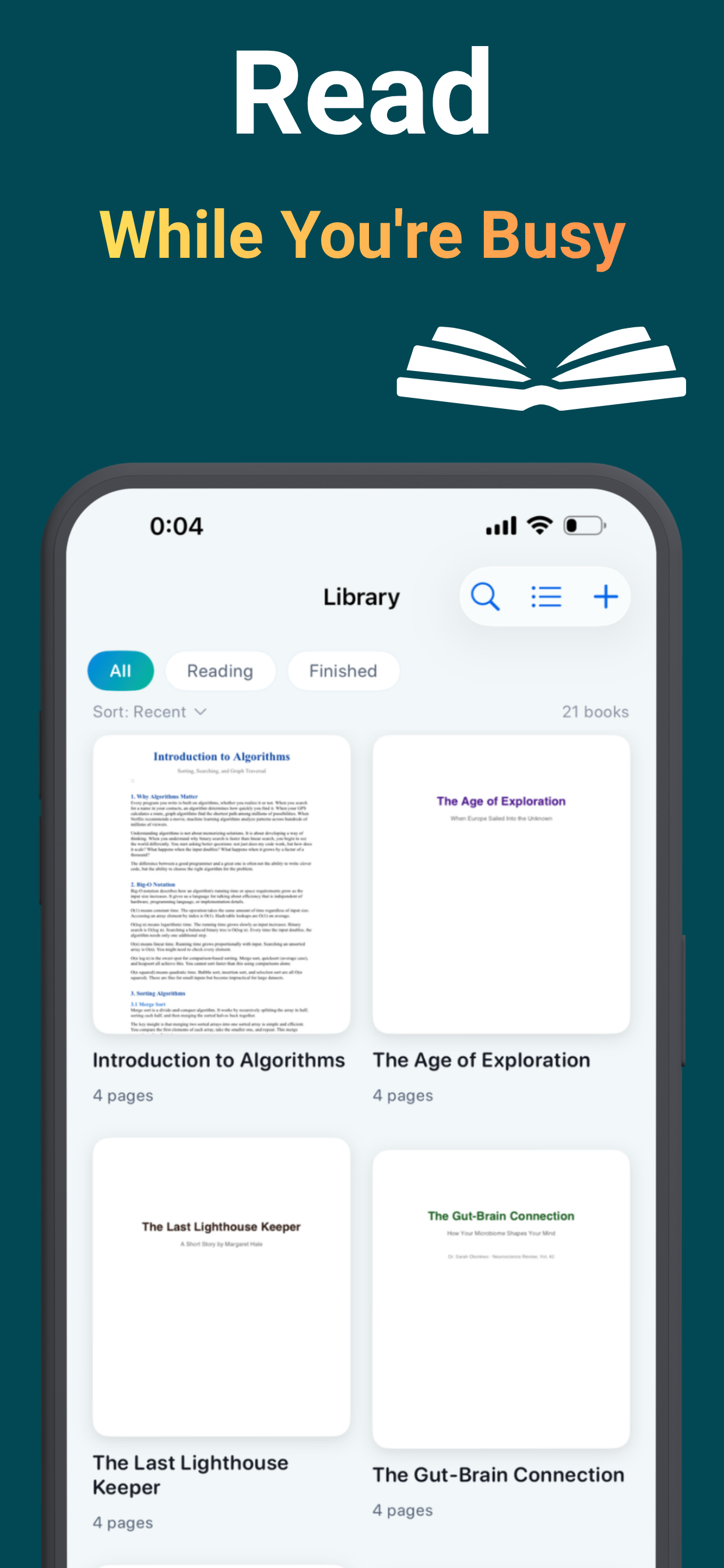
Reading that finally fits your day
The report gets reviewed on the commute. The textbook chapter happens at the gym.
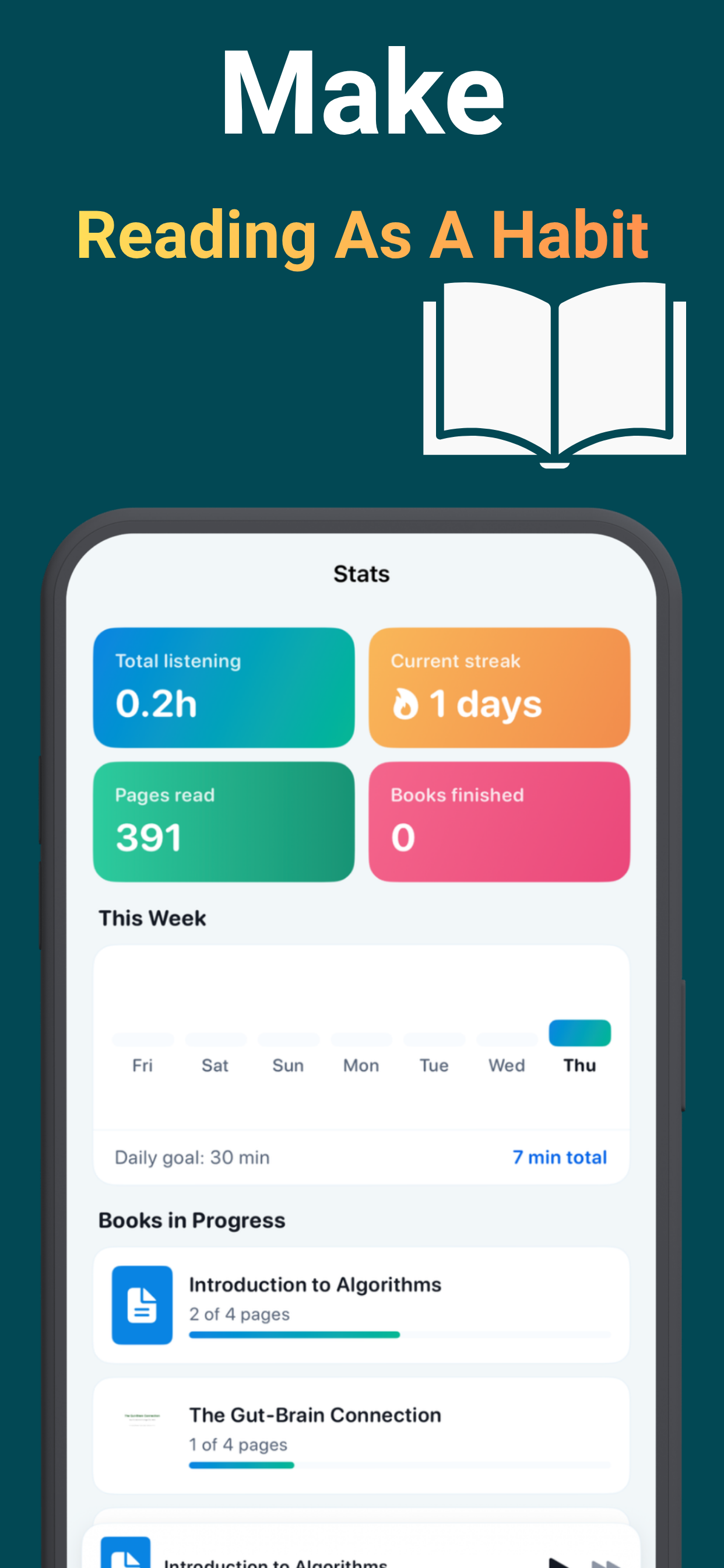
Build the reading habit that never stuck
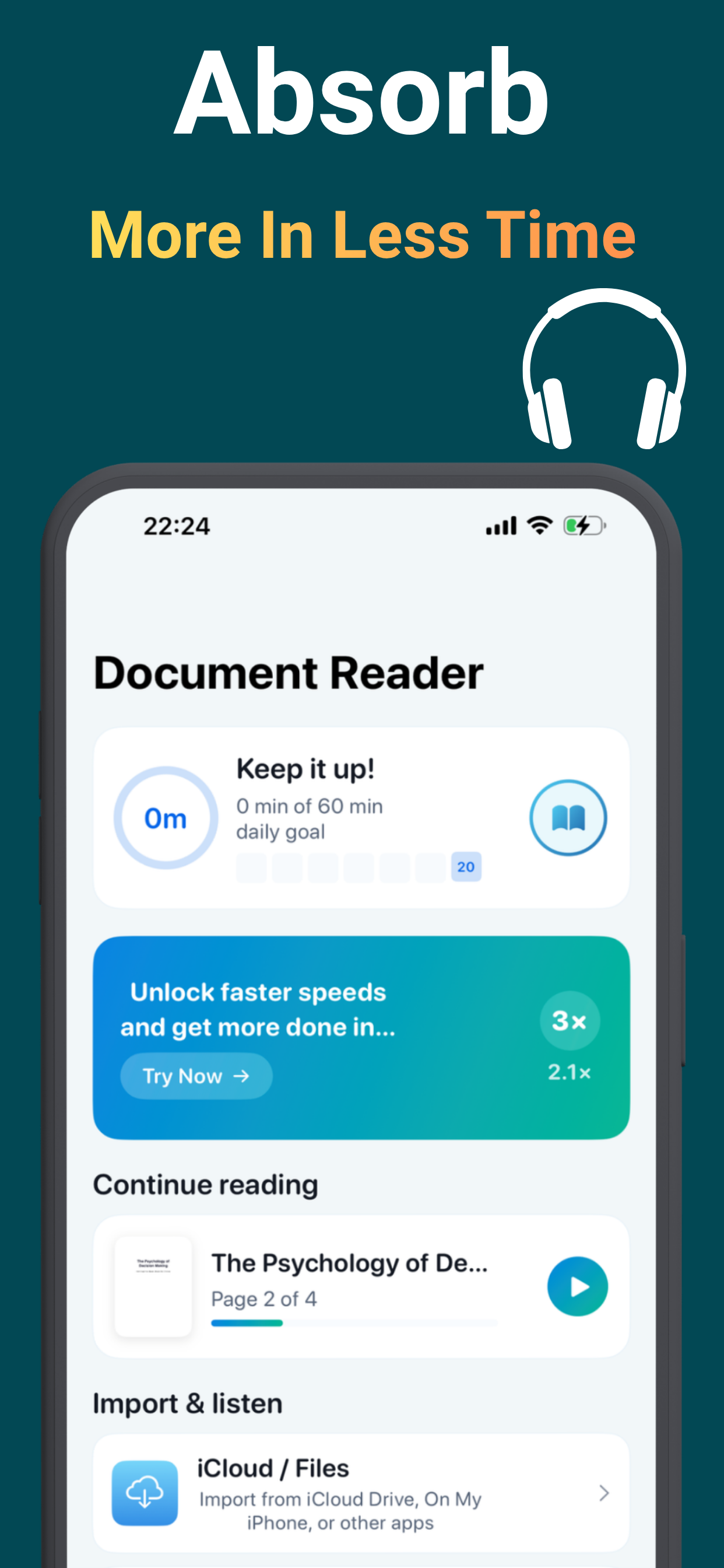
Set a daily goal, watch your streak grow, and see pages pile up week after week. Listening removes the friction that kills reading habits — the app makes the progress visible.
How students study by listening →From document to audio in three taps
No account, no setup — import and press play.
Import or scan
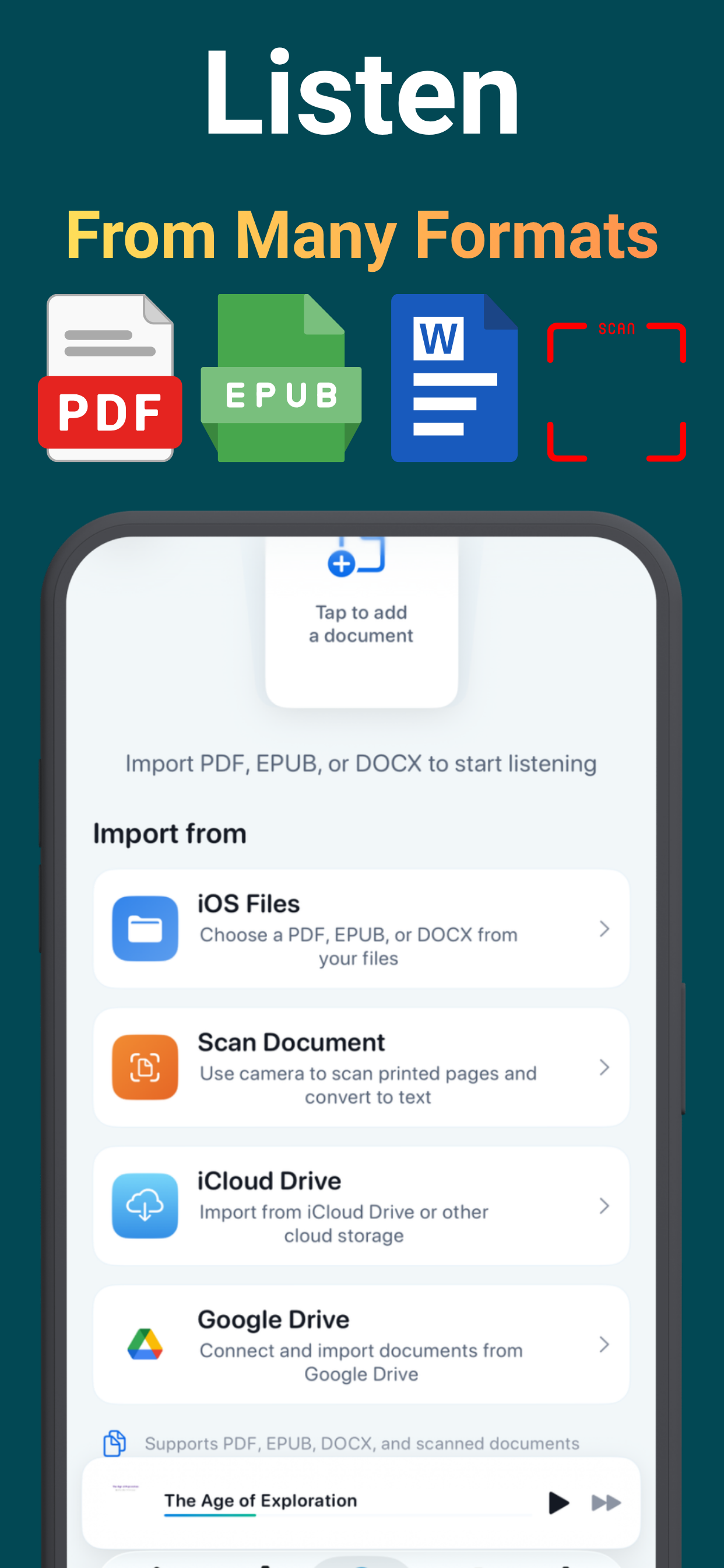
Pull in PDFs, EPUBs and Word files from Files, iCloud or Google Drive — or point your camera at a printed page.
Tap play
A natural voice reads every page, with each word highlighted in real time so you can follow along.
Listen your way
Adjust the speed, switch voices, lock the phone and keep listening. Your spot is saved to the word.
Everything a listening reader needs
A full text-to-speech studio in a 14 MB app.
PDF, EPUB & DOCX
Reports, ebooks and papers all import and play the same way.
Scan & listen
Point the camera at any printed page — textbook, letter, handout — and hear it read back.
Word-by-word highlighting
Follow along as each word lights up — ideal for studying, proofreading and language learning.
Adjustable speed
Slow for dense material, fast to power through the backlog.
Multiple voices
Pick the voice that sounds right, in light or dark theme, text or PDF view.
Resume anywhere
Position saved automatically to the exact word — close the app, come back, continue.
Streaks & goals
Daily targets, listening streaks and page counts turn reading into a habit.
Import from the cloud
Files app, iCloud Drive and Google Drive — your documents, wherever they live.
Step-by-step answers
The read-aloud questions people actually search — solved.
Frequently asked questions
Quick answers — each with a full guide if you want the details.
How do I have a PDF read aloud on my iPhone?
Can it read EPUB and Word documents?
Can I listen to a printed page or book?
Can I speed up the reading?
Does it remember where I stopped?
Is the app free?
Let your documents read themselves
Import a PDF, tap play, and get your reading done on the move — free to start.
Download Free on the App Store